Order Details Page
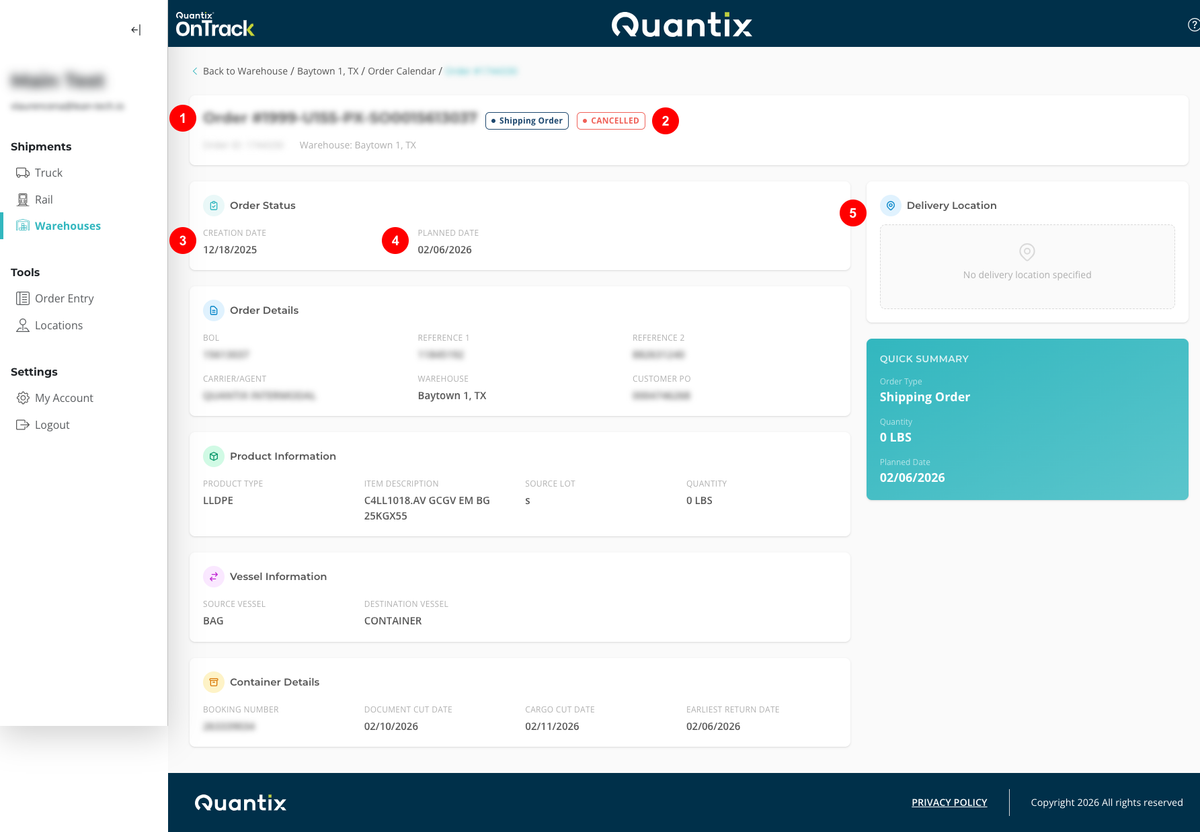
When you click on an order card, you'll be taken to the Order Details Page, where you'll receive more information about that specific order:
- Order number
- Order Status
- Order creation date
- Order planned date
- Order delivery location
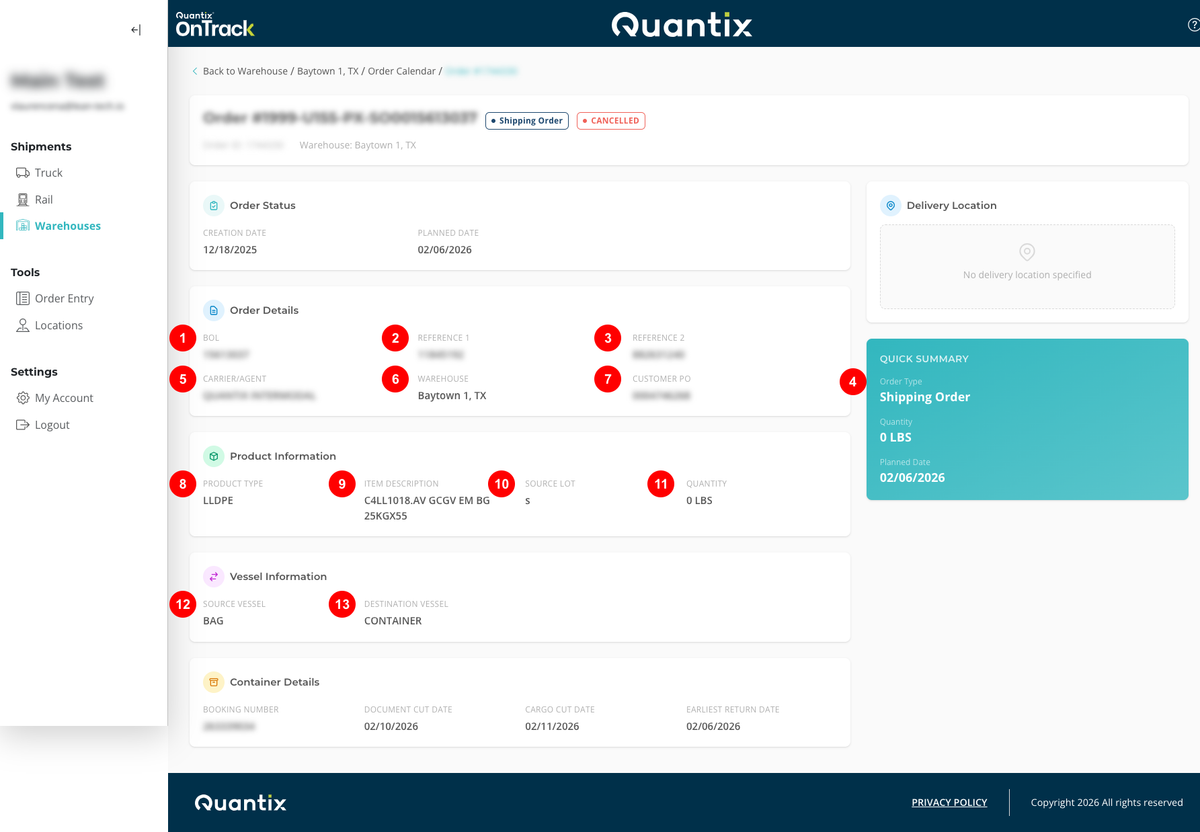
Besides, on the right side of the screen, you can view other order details:
- BOL
- Reference Number 1
- Reference Number 2
- Order Type
- Carrier/ Agent
- Warehouse
- Customer PO
- Product Type
- Item Description
- Source Lot
- Quantity
- Source Vessel
- Destination Vessel