
Lot Batch Tab

Lot batches are crucial for order management and essential for many customers. OnTrack provides a convenient way for you to view all lot batch configurations across all warehouses in one place.

To access this feature, click on the LOT BATCH tab located at the top of the Warehouses module main page.
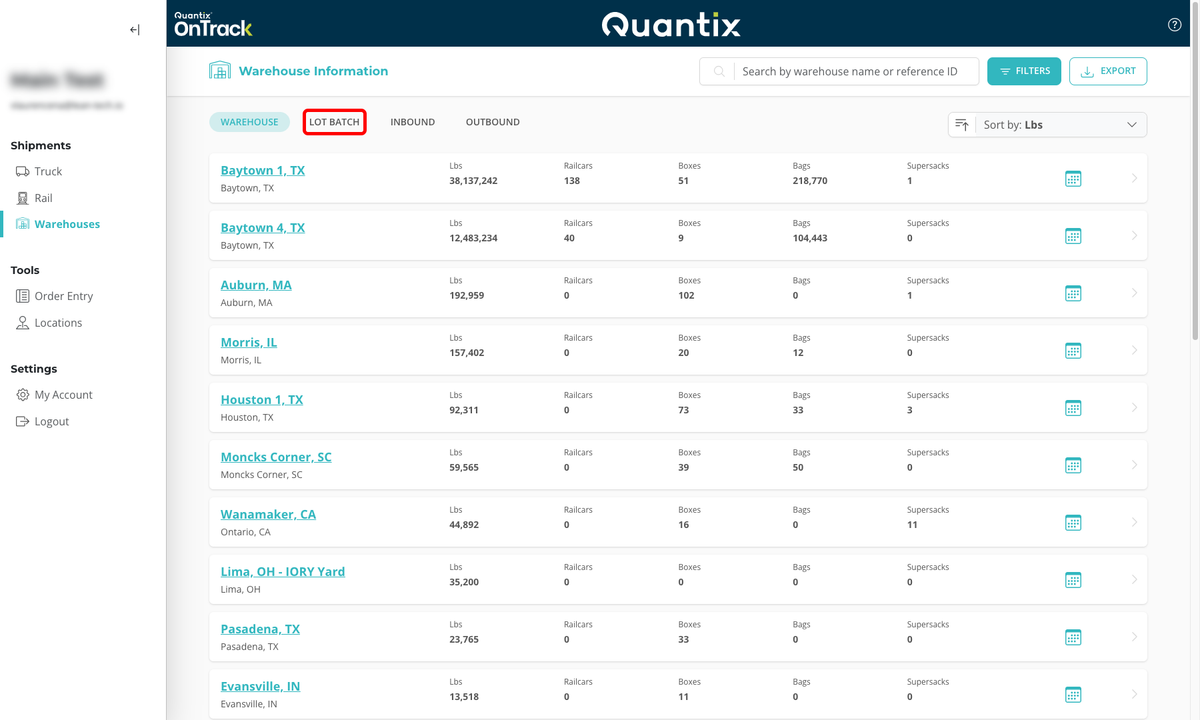
Lot batch tab main page example

When you find the lot batch you're looking for, you can get the warehouse location simply by clicking on its corresponding card. Then, you can then click on the warehouse location to get to the Warehouse Site Page Details.
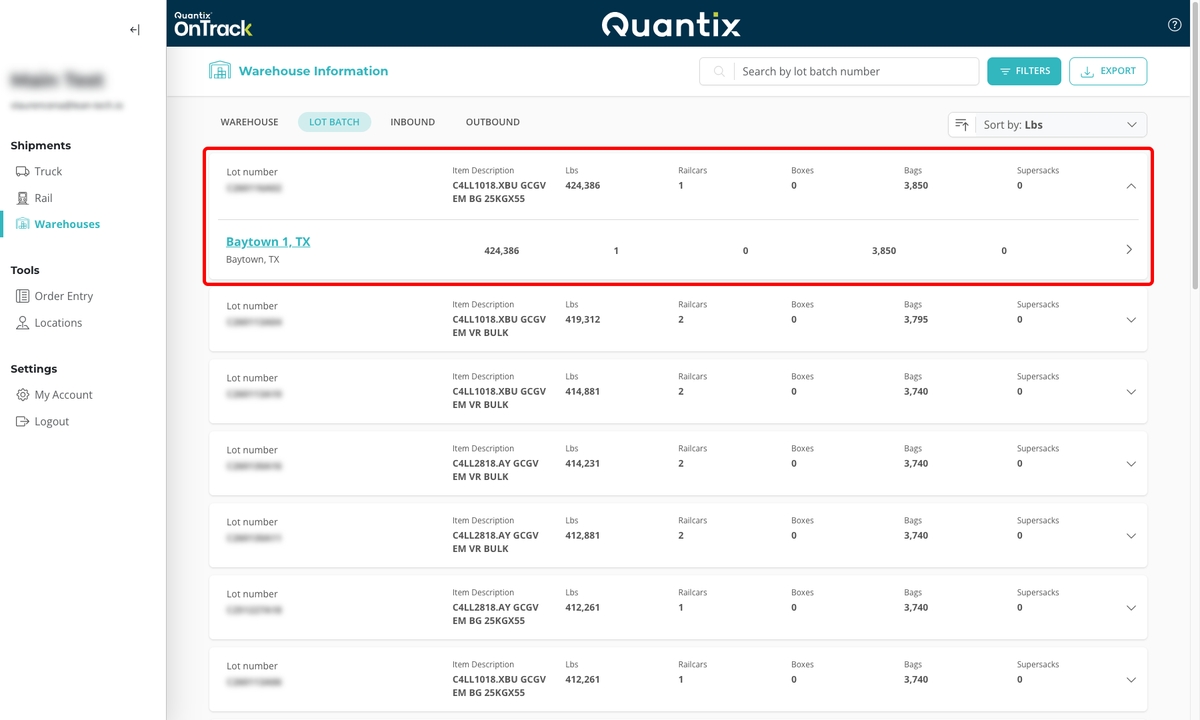
Lot batch tab warehouse location example

Searching for a Lot Batch

If you're looking for a specific lot batch number, use the search bar in the upper right-hand corner.

As you type in the lot batch number you're looking for, the matching result(s) will populate the lot batch list.

Lot batch tab search example

Filtering Lot Batches

If you want to filter lot batches based on their configuration, storage, or weight, you can use the filters menu at the screen's top right corner. Then, you can select the specific criteria you're looking for from the filtering menu.

Lot batch tab filter example

In the example below, we've looked for lot batches with at least 40,000 lbs of HDPE in a Railcar. We selected those criteria and pressed the APPLY FILTERS button to get a list of different lot batches that matched the query.

Lot batch tab filter example

To clear filters, hit the CLEAR FILTER button at the bottom of the filters menu. This action will return the lot batch screen to the default results.

Lot batch tab filter example

Sorting Lot Batches

Lot batches will be listed in order by the criteria selected from the sort-by dropdown menu in the upper right of the screen.

As in the Warehouse main page, you can use the sorting criteria to sort your lot batches by Lbs, Item Description, Railcars, Boxes, Bags, or Supersacks. The criteria can be sorted in either ascending or descending order.

Lot batch tab sorting example

Lot Batch Card Details

Each lot batch has a details card that displays the lot number, item description, weight in pounds, and the number of types of containers each lot batch is configured within.
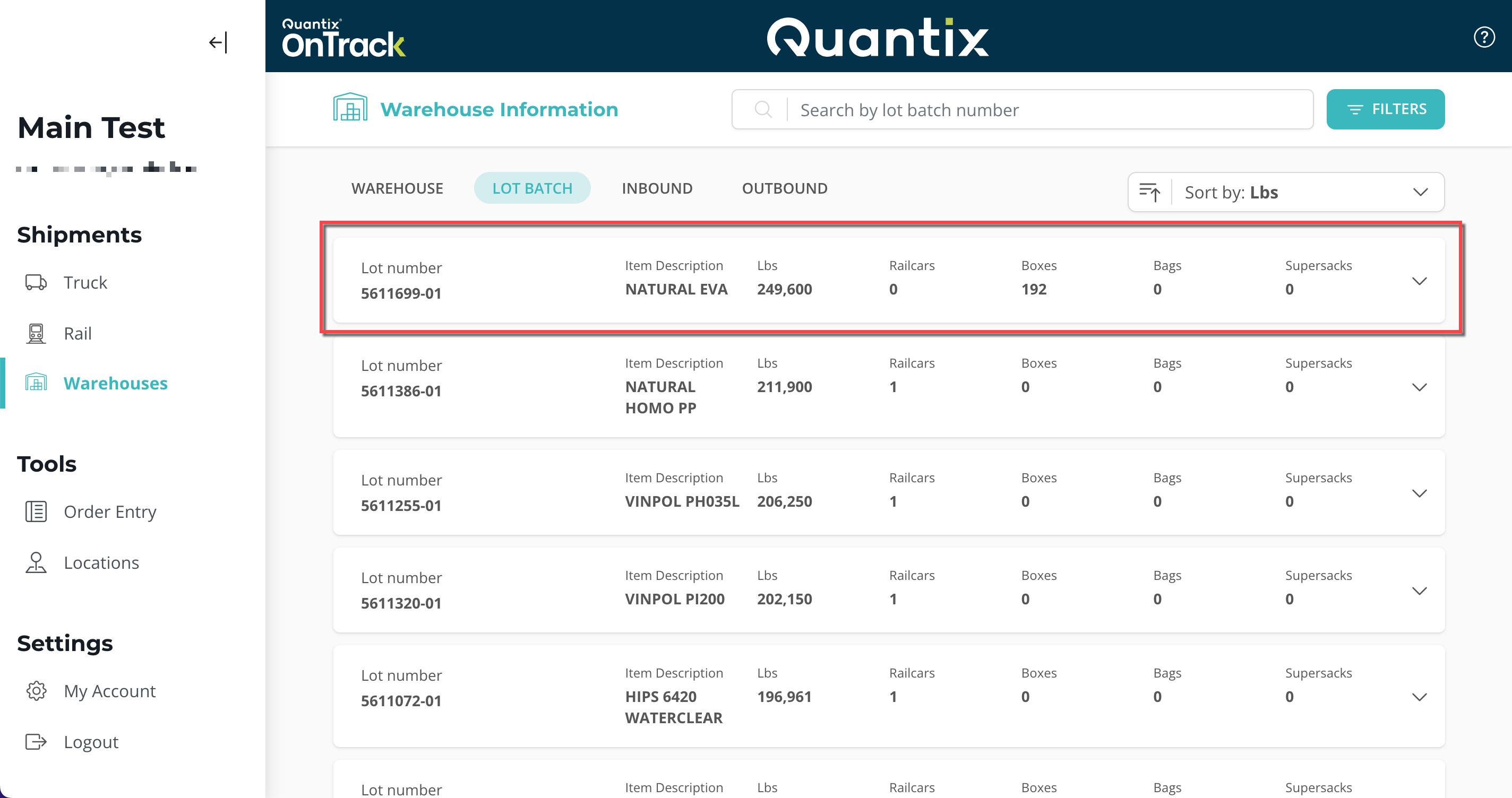
Lot batch card details example

If you click on any lot batch card, you will see which warehouse(s) that lot batch is in.
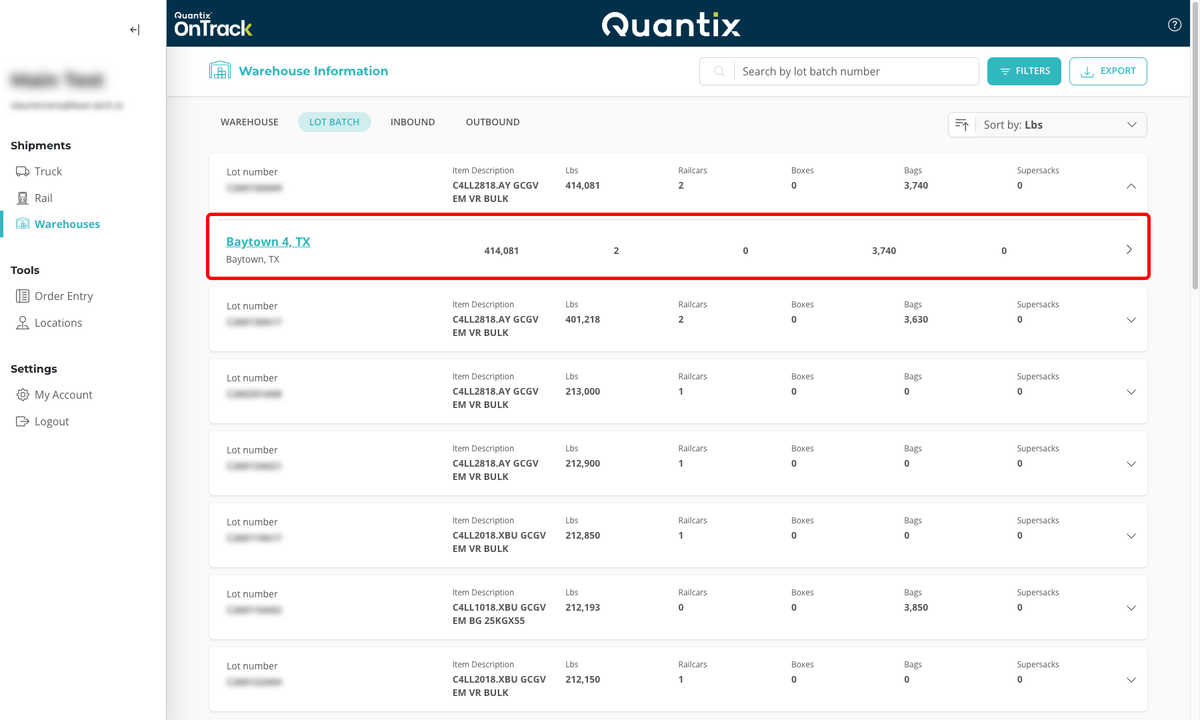
Lot batch card warehouse location example